
Currently Empty: 0,00 EGP

Build web pages with HTML using headings, lists, tables, links, images, and forms.Build practical skills through guided learning and hands-on practice.
A complete Frontend Fundamentals course — HTML, CSS & JavaScript from scratch, with hands-on tasks and real projects
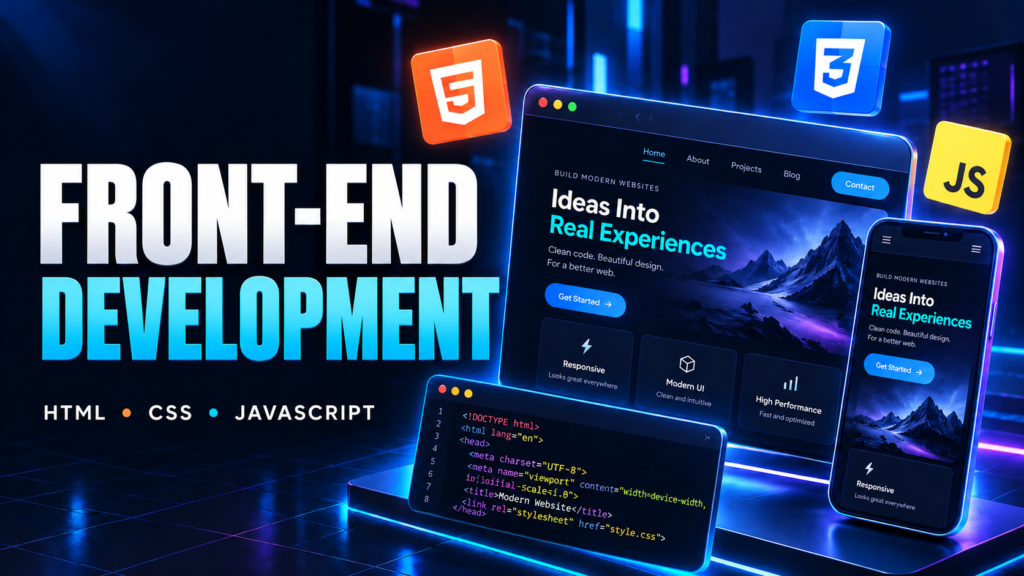
Turn your ideas into responsive, interactive websites with MZ Academy’s Front-End Development course, covering HTML, CSS, and JavaScript. Designed for beginners and aspiring web developers, this course takes you through the foundations of building web pages, styling them professionally, and adding the functionality that brings them to life.
You’ll learn how these three core technologies work together: HTML creates the structure, CSS controls the appearance, and JavaScript adds behavior and interaction. Through practical exercises and website projects, you’ll develop the skills to move from a blank page to a complete front-end experience.
The course starts with HTML, where you’ll learn to organize content using headings, paragraphs, links, images, lists, and tables. You’ll explore semantic elements and understand how a well-structured page makes a website easier to navigate, maintain, and access. You’ll also learn to create forms with different input types, labels, and built-in validation—the foundation of contact forms, registration pages, and other common website features.
With CSS, you’ll turn that structure into a polished design. You’ll work with colors, typography, backgrounds, borders, spacing, and the box model to understand how every element fits on the page. As you progress, you’ll use Flexbox and CSS Grid to create layouts such as navigation bars, product cards, galleries, and multi-section landing pages.
Responsive design is an essential part of the course. You’ll learn to build layouts that adapt to mobile phones, tablets, and desktop screens using flexible sizing, media queries, and thoughtful breakpoints. You’ll also explore hover effects, transitions, and animations to add visual feedback and improve the browsing experience.
Once you’re comfortable building and styling pages, you’ll move into JavaScript. Starting with variables, data types, operators, and conditions, you’ll build your understanding of programming step by step. You’ll then work with loops, functions, arrays, and objects to organize information and solve practical problems.
You’ll connect JavaScript to your web pages through the Document Object Model, or DOM. This allows you to select elements, change their content and styles, respond to clicks and keyboard input, and create interactive features. You’ll practice building components such as responsive menus, tabs, counters, pop-up windows, and searchable or filterable content.
Forms will become interactive too. You’ll learn to check user input, display useful feedback, and guide users toward completing a form correctly. You’ll understand the role of browser-side validation and why real applications also need server-side checks.
As your skills develop, you’ll explore how to store small amounts of data in the browser with local storage and retrieve information from APIs using JavaScript. These concepts help you build experiences that go beyond static pages, such as a task list that remembers its items or a page that displays information from an external service.
Throughout the course, you’ll practice reading error messages, using browser developer tools, and debugging layout and programming issues. You’ll also develop habits for writing readable code, organizing project files, and reusing styles and functions so your projects remain easier to improve as they grow.
Practical project work brings these skills together. You’ll apply HTML, CSS, and JavaScript to website designs and interactive applications, with project ideas such as a personal portfolio, a business landing page, a product showcase, and a task manager. These projects give you opportunities to make design decisions, solve problems, and explain how your code works.
By the end of the course, you’ll be able to:
– Build structured web pages using semantic HTML.
– Style websites with consistent colors, typography, spacing, and layouts.
– Create responsive interfaces using Flexbox, CSS Grid, and media queries.
– Write JavaScript using conditions, loops, functions, arrays, and objects.
– Manipulate page content and respond to user interactions through the DOM.
– Build forms with browser-side validation and clear feedback.
– Use local storage and work with data from APIs.
– Debug common HTML, CSS, and JavaScript issues.
– Combine your skills into complete front-end projects for your portfolio.
This course is suitable for students, beginners, aspiring freelancers, and anyone interested in understanding how websites are built. No previous programming experience is required—just basic computer skills, a willingness to experiment, and time to practice.
Build a strong foundation in front-end development with MZ Academy and gain the practical skills to create websites of your own.
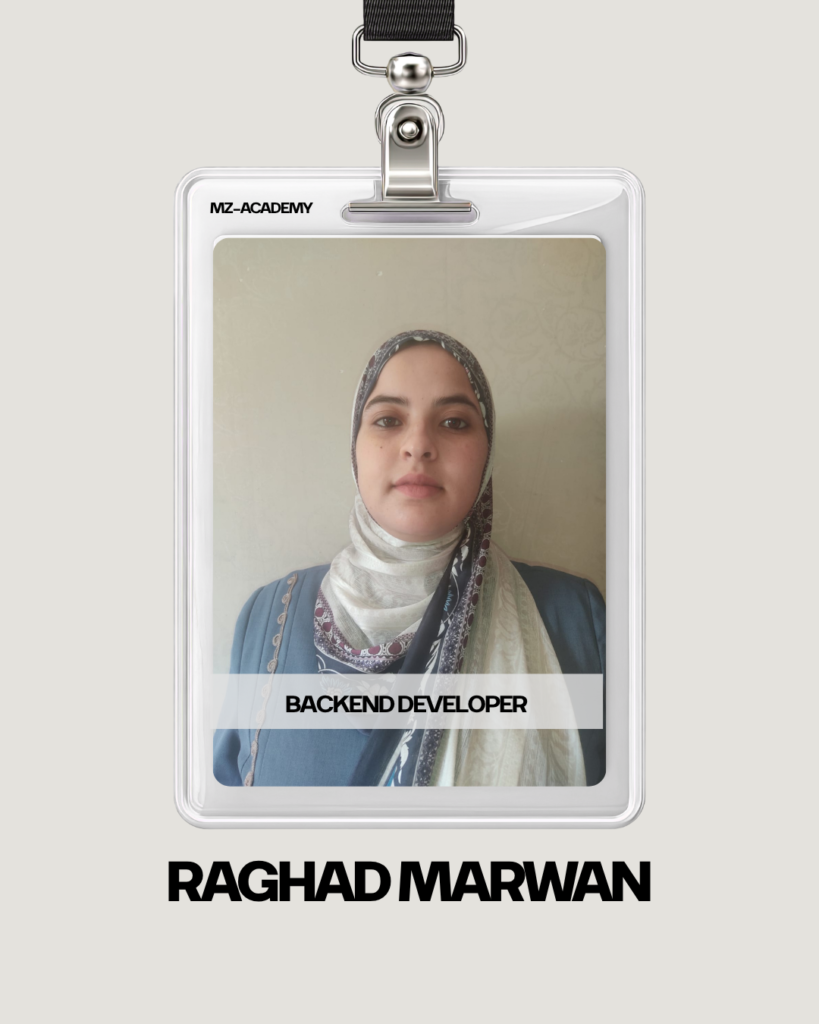
Raghad Marwan Abu Dawaba is a Backend Web Developer specializing in building robust web applications using PHP and the Laravel framework. With a strong passion for database architecture and secure application design, she serves as a technical instructor at MZ Academy, empowering aspiring developers to master backend development through practical, real-world projects like school management systems.
in View LinkedIn ProfileBuild practical skills and turn knowledge into real projects.
