
Currently Empty: 0,00 EGP


3D ModelingBuild practical skills through guided learning and hands-on practice.
A practical Blender 3D Fundamentals Course designed to take you from complete beginner to confidently creating professional 3D projects. Learn 3D modeling, texturing, lighting, rendering, animation, physics, sculpting, rigging, and post-production through hands-on projects while building a strong portfolio for your journey into the 3D industry.
Overcome your fear of 3D and escape the trap of boring, theoretical tutorials!
The Blender Fundamentals course is designed to take you from absolute beginner to creating fully realized 3D projects. We adopt a strict “learning by doing” approach, meaning you will master every tool by actively applying it to real-world projects—taking you from basic shapes to advanced modeling and animation.
What You Will Learn:
3D Modeling: Master the Blender interface, dive into Edit Mode, and utilize essential modeling tools (Extrude, Inset, Bevel). Learn to leverage Modifiers to generate complex geometry from scratch. You’ll apply these skills immediately by building a windmill scene and a detailed armored tank blockout.
Texturing, Lighting & Rendering: Demystify the advanced Node system, master surface detailing (Bump & Displacement), apply realistic PBR materials, and understand UV Mapping. You will also learn to set up a professional virtual studio using 3-Point Lighting, exploring the differences between Eevee and Cycles to render your tank with stunning realism.
Animation, Physics & Automation: Grasp the fundamentals of Keyframes and movement. Explore Blender’s physics engines to create destruction and dynamic collisions using Rigid Body simulations. Finally, optimize and automate your workflow using Drivers and Geometry Nodes.
Character Creation: A comprehensive, beginner-friendly introduction to 3D Sculpting, transforming simple primitives into detailed characters. You will then learn how to bring them to life through Rigging (building a digital skeleton) and the basics of Character Animation.
Post-Production & Editing: Master the correct export settings for animation (Image Sequences) and learn to edit your final video directly within Blender’s Video Sequencer (VSE). You’ll combine your renders, apply color correction, and add sound effects for a polished final product.
Workshops & Mini-Projects: Put everything you’ve learned into practice with quick, fun, and engaging final projects. You will model a stylized sword, design and animate a procedural Roller Coaster using a non-destructive workflow, and build, texture, and animate a fully realized, cute 3D robot.
Course Outcomes:
By the end of this journey, you will have the confidence and flexibility to tackle any 3D project. More importantly, you will walk away with a diverse portfolio of completed, professional-grade projects, giving you a massive head start as you enter the freelance and job market.
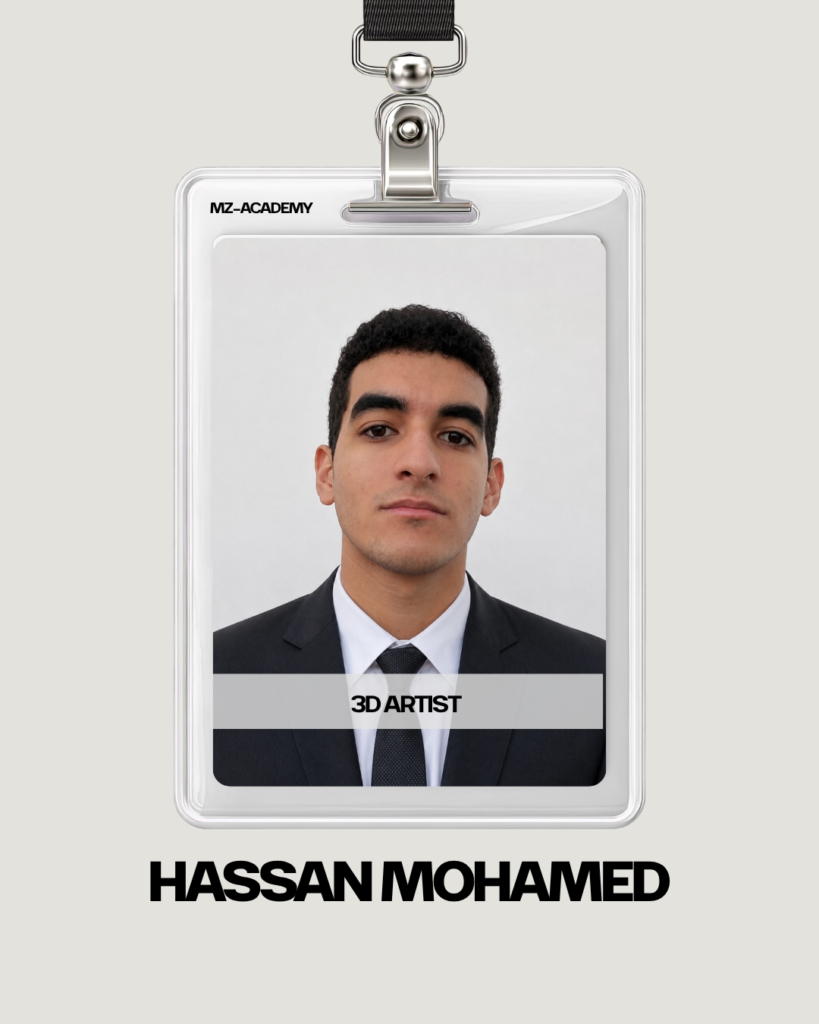
I'm a 3D Artist specializing in the complete Blender production pipeline. With practical industry experience, I'll do my best to help absolute beginners confidently build professional 3D portfolios from scratch.
in View LinkedIn ProfileBuild practical skills and turn knowledge into real projects.
