
Currently Empty: 0,00 EGP

What will you learn:Build practical skills through guided learning and hands-on practice.
Master Motion Graphics from scratch and bring your ideas to life through professional animation and visual storytelling. Learn Adobe After Effects, motion design, typography, transitions, visual effects, and practical techniques through real-world projects. أتقن الموشن جرافيك من الصفر وحوّل أفكارك إلى تصاميم متحركة احترافية. تعلّم Adobe After Effects، أساسيات الـ Motion Design، تحريك النصوص والعناصر، الانتقالات، المؤثرات البصرية، والتقنيات العملية من خلال مشاريع واقعية.
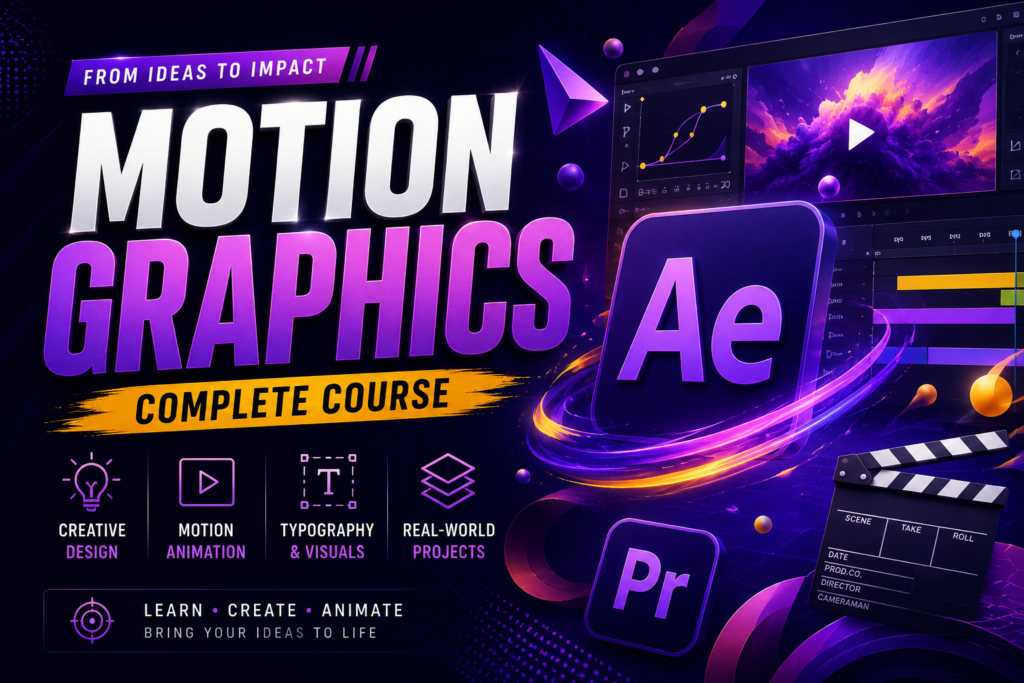
Turn your creative ideas into powerful, professional animations with our Motion Graphics Mastery course. This program is designed to take you from the fundamentals of motion design to creating polished, engaging visual content for social media, advertising, branding, and professional projects.
Throughout the course, you will learn how to work confidently with Adobe After Effects and understand the essential principles behind professional motion graphics. Instead of focusing only on software tools, you will learn how to combine design, movement, timing, typography, visual effects, and storytelling to create animations that communicate ideas effectively.
You will gain practical experience in keyframe animation, text and typography animation, shape animation, transitions, masking, compositing, visual effects, motion tracking, and professional workflow techniques. You will also learn how to organize your projects efficiently and export your work correctly for different platforms and purposes.
The course follows a hands-on, project-based approach, allowing you to apply what you learn through practical exercises and real-world projects. By the end of the program, you will be able to create professional motion graphics projects independently and develop work that can be added to your portfolio.
Whether you are a complete beginner, graphic designer, video editor, content creator, freelancer, or someone looking to start a career in Motion Graphics, this course will provide you with the practical foundation and creative skills needed to take your work to the next level.
حوّل أفكارك الإبداعية إلى تصاميم متحركة احترافية من خلال كورس Motion Graphics Mastery، المصمم ليأخذك من أساسيات الموشن جرافيك خطوة بخطوة حتى تتمكن من تنفيذ مشاريع احترافية مناسبة للسوشيال ميديا، الإعلانات، البراندات والمشاريع التجارية.
خلال الكورس ستتعلم استخدام Adobe After Effects بشكل عملي، بالإضافة إلى فهم المبادئ الأساسية التي تجعل الـ Motion Graphics احترافيًا. الهدف ليس مجرد معرفة أدوات البرنامج، بل تعلم كيفية دمج التصميم والحركة والتوقيت وتحريك النصوص والمؤثرات البصرية والـ Visual Storytelling لإنتاج محتوى جذاب يوصل الفكرة بشكل واضح ومميز.
ستتدرب عمليًا على Keyframe Animation، تحريك النصوص والـ Typography، تحريك الـ Shapes، تصميم الـ Transitions، استخدام الـ Masks، الـ Compositing، المؤثرات البصرية، Motion Tracking والعديد من التقنيات المستخدمة في تنفيذ مشاريع الموشن جرافيك.
يعتمد الكورس على التعلم بالتطبيق والمشاريع العملية، بحيث تقوم بتطبيق المهارات التي تتعلمها على تمارين ومشاريع مشابهة لما يتم تنفيذه في سوق العمل. كما ستتعلم كيفية تنظيم ملفات ومشاريع After Effects بشكل احترافي وتجهيز وتصدير أعمالك بالجودة والإعدادات المناسبة لمختلف المنصات.
بنهاية الكورس ستكون قادرًا على تنفيذ مشاريع Motion Graphics بشكل مستقل، وتحويل الأفكار والتصاميم الثابتة إلى محتوى متحرك احترافي، بالإضافة إلى امتلاك مجموعة من المشاريع التي يمكنك استخدامها في بناء Portfolio قوي.
الكورس مناسب للمبتدئين، مصممي الجرافيك، Video Editors، Content Creators، Freelancers، وأي شخص يرغب في دخول مجال Motion Graphics وMotion Design وبناء مهارات عملية تؤهله لتطوير مستواه والعمل على مشاريع حقيقية.
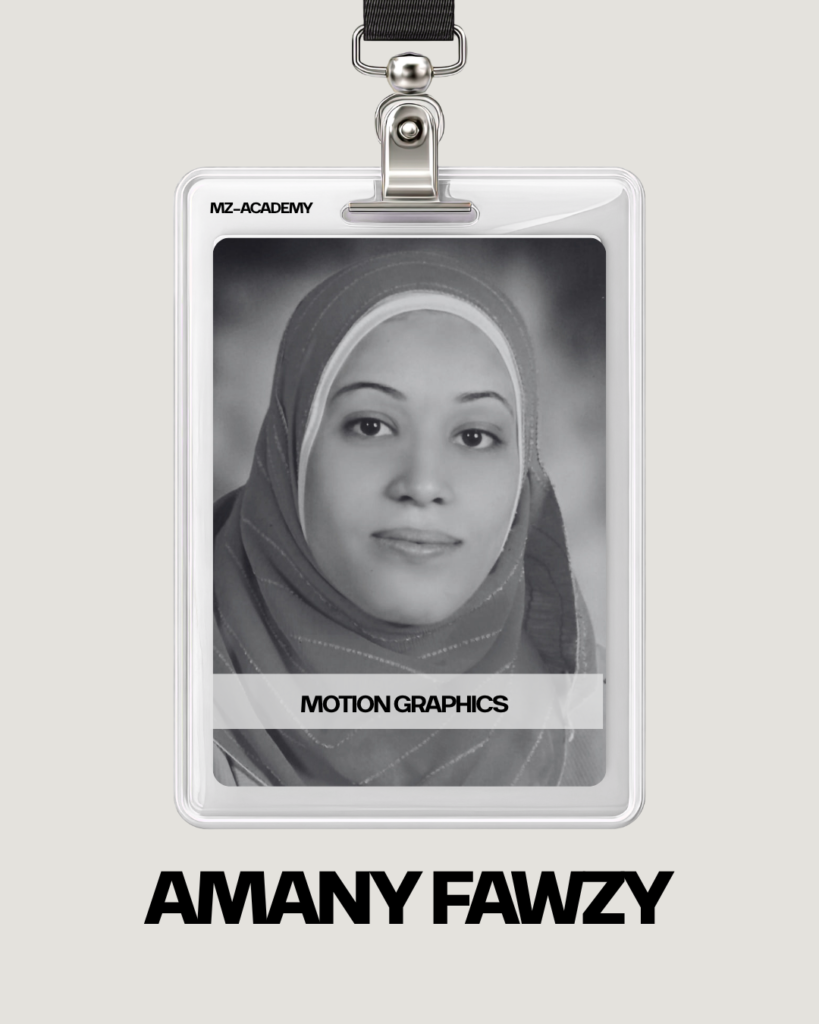
I’m Amany, a Motion Graphics Instructor and Designer with over 4 years of professional experience in motion design and digital media. I specialize in transforming creative concepts into engaging visual experiences through animation, design, and visual storytelling. I have strong expertise in the Adobe Creative Suite, including After Effects, Photoshop, Illustrator, Premiere Pro, InDesign, and Audition, allowing me to work across motion graphics, graphic design, video editing, and audio production. As an instructor, I focus on combining creative fundamentals with practical, industry-relevant techniques, helping students build strong technical skills, develop their creative thinking, and gain the confidence to create professional projects for their portfolios and future careers.
in View LinkedIn ProfileBuild practical skills and turn knowledge into real projects.
